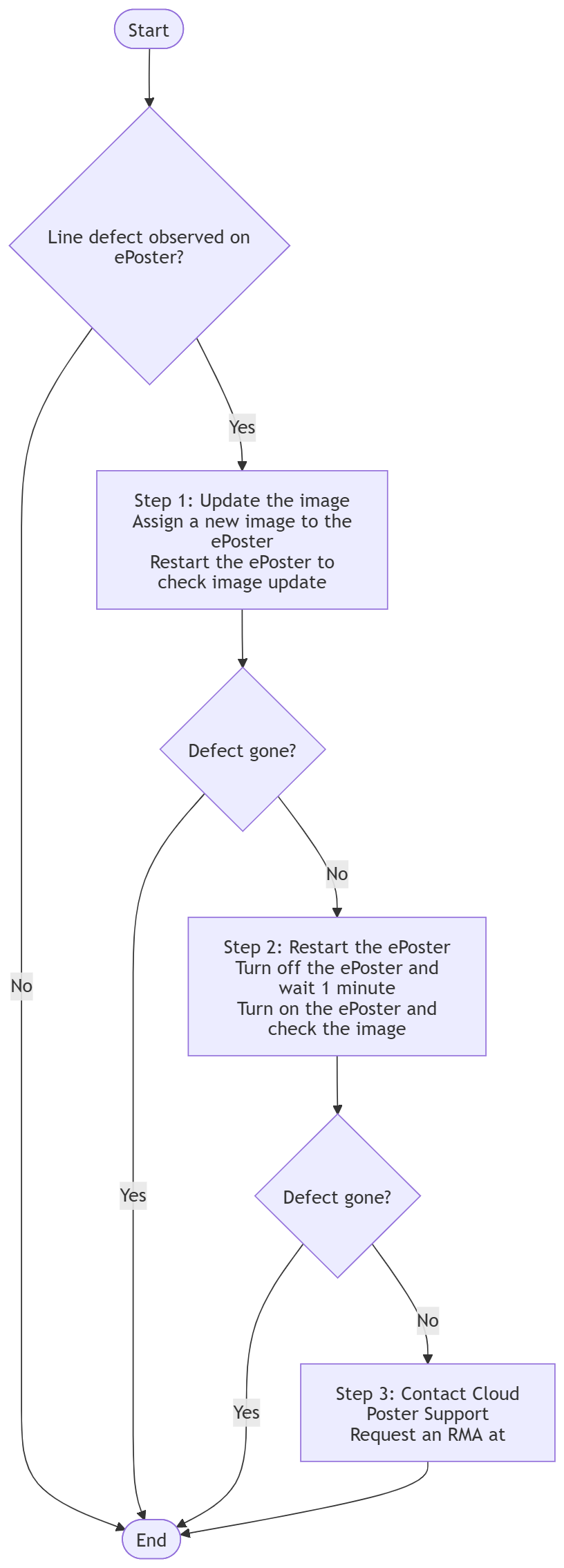
If you notice a line defect on the ePoster screen, please follow the steps outlined below one by one.
Step 1: Update the image
- Assign a new image to the ePoster.
Step 2: Restart the ePoster
- Turn off the ePoster and wait for 1 minute.
- Turn on the ePoster to check the image.
Step 3: Contact Cloud Poster Support Team to request an RMA
- If the line defect does not disappear after performing the above steps, contact the Support team at support@mail.cloudposter.net
Was this article helpful?
That’s Great!
Thank you for your feedback
Sorry! We couldn't be helpful
Thank you for your feedback
Feedback sent
We appreciate your effort and will try to fix the article